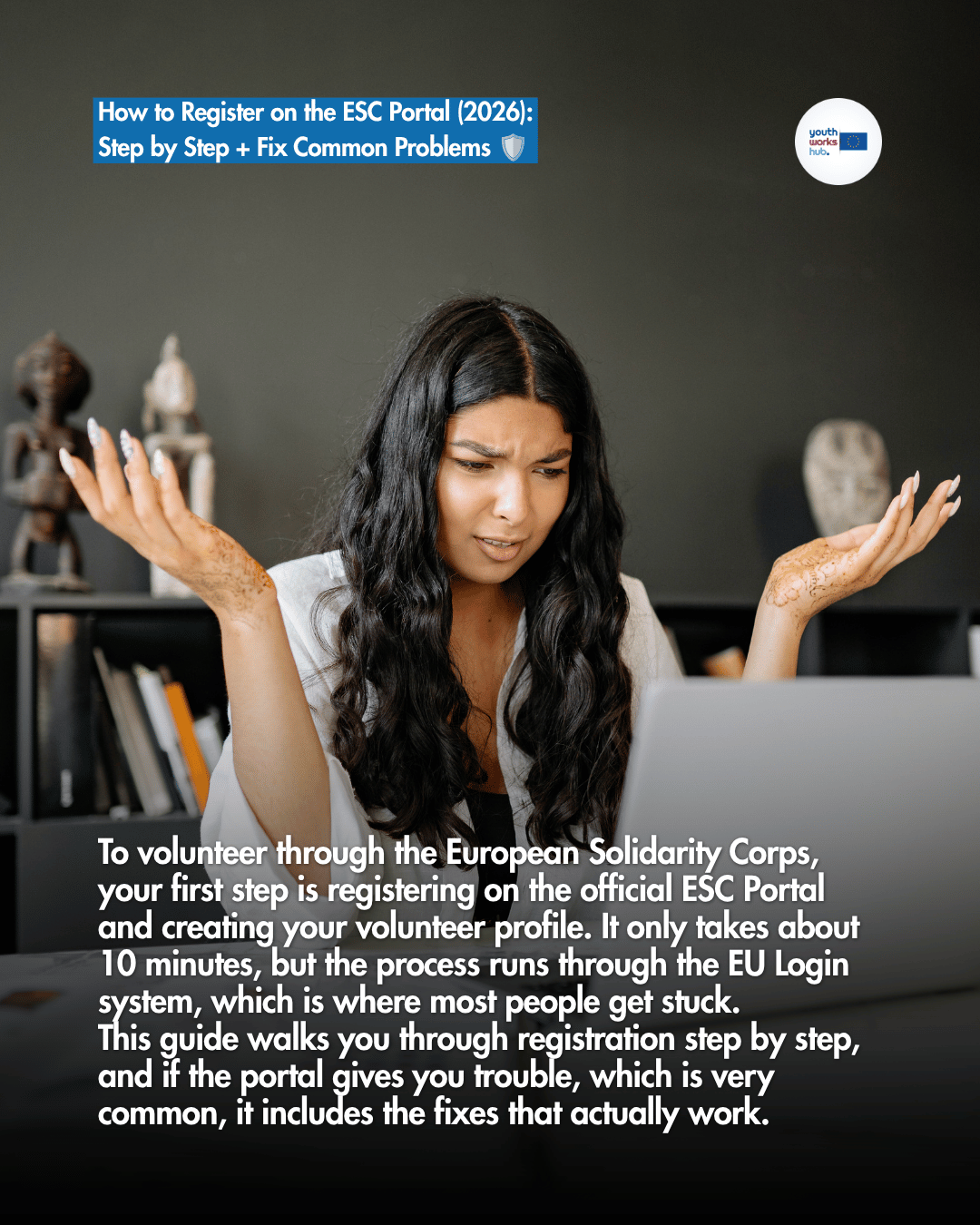
To volunteer through the European Solidarity Corps, your first step is registering on the official ESC Portal and creating your volunteer profile. It only takes about 10 minutes, but the process runs through the EU Login system, which is where most people get stuck. This guide walks you through registration step by step, and if the portal gives you trouble, which is very common, it includes the fixes that actually work.
What Is the ESC Portal? 🇪🇺
The ESC Portal is the official European Union platform where young people create a volunteer profile, browse volunteering opportunities and manage their applications. Hosting organisations search this database to find volunteers, so having a complete profile is essential. It is a required step for ESC volunteering, separate from applying to any specific project.
Before You Start ✅
A few things to have ready:
🔹 You are at least 17 years old to register (you can start a project once you turn 18, or 18 to 35 for Humanitarian Aid Volunteering)
🔹 You are legally resident in an eligible country, check who can apply and the eligible countries
🔹 A working email address you can access (you will need to verify it)
🔹 About 10 minutes and, ideally, a desktop or laptop rather than a phone
How to Register on the ESC Portal: Step by Step 🧭
Step 1: Go to the Registration Page
Open the official European Youth Portal and choose to register for the European Solidarity Corps. You will be asked to sign in or create an EU Login account.
Step 2: Create Your EU Login Account
EU Login is the European Commission's central authentication system, and you need it to access the ESC Portal. If you do not already have one, click Register in EU Login and enter your name and email.
Step 3: Verify Your Email
You will receive a confirmation email with a link. Click it to verify your account. If it does not arrive within a few minutes, check your spam or junk folder.
Step 4: Set Your Password
Once your email is verified, create a strong, secure password for your EU Login account.
Step 5: Enable Multi-Factor Authentication (Mandatory)
You must set up Multi-Factor Authentication (MFA). This adds a second verification step (by phone or the EU Login mobile app) each time you log in. It is required, so do not skip it.
Step 6: Complete Your ESC Profile
After MFA, you are redirected to the ESC Portal to complete your profile: your interests, languages, experience and a short note about yourself. This is what organisations see, so fill it in properly.
Completing Your Profile Well 🌱
A strong profile gets you noticed:
🎯 Select the themes that genuinely interest you (environment, inclusion, youth work, culture and more)
🕊️ If you are open to it, tick your interest in Humanitarian Aid so those opportunities reach you
💬 Add your languages honestly
✍️ Write a short, genuine about you section, the same authentic voice you would use in a motivation letter
Keep a clean Europass CV ready too, since many projects ask for one.
After Registration: Your Dashboard 📊
Once your profile is created, you get a personal dashboard where you can:
📌 Apply for opportunities
🎓 Access the general online training offered to participants
📄 View your certificates
Your registration is not an application on its own. It makes you visible and lets you apply to specific projects.
Common ESC Portal Problems and How to Fix Them 🛠️
The ESC Portal runs on EU Login, an official EU system, so most issues are on their side, but they are usually quick to fix. Here are the ones people hit most often.
"User not recognised" or Login Not Working 🔑
This usually means your account is not fully set up. Try:
🔹 Create or confirm your account at the official EU Login page
🔹 Always use the same email you registered with
🔹 Open a private or incognito window
🔹 Use a desktop instead of a phone
If it still fails, contact EU tech support at eu-solidarity-corps@ec.europa.eu.
"0 Opportunities Found" or the Country List Locks Up 🌍
This happens when too many filters stack on top of each other. To fix it:
🔹 Reset all filters, then reapply them one at a time
🔹 Open the page in a private or incognito window
🔹 Try a different browser (Chrome, Safari or Firefox) on a desktop
🔹 Clear your cookies and cache, then refresh
This is a verified fix that works. And remember, the same opportunities are also listed on youthworkshub.org, so you never miss out while the portal sorts itself out.
Two-Factor Authentication or New Device Issues 📱
If you changed phones or cannot pass the second verification step:
🔹 Complete the EU Login verification sent by email, SMS or the EU Login mobile app so the new device becomes trusted
🔹 If you set up MFA on an old phone, reinstall and re-link the EU Login app on your new device
🔹 Try incognito, clear your cache, and use a desktop
Still stuck after all this? Email eu-solidarity-corps@ec.europa.eu, since the fix is on the EU system side.
What Next: Find and Apply 🚀
Registration makes you visible, but the real step is applying. Browse open ESC placements on youthworkshub.org, then apply with a strong motivation letter and CV. See the full how to apply guide, check is ESC fully funded for what is covered, and if you are still deciding, read ESC vs Erasmus+.
Frequently Asked Questions ❓
Do I have to register on the ESC Portal to volunteer?
Yes. For ESC volunteering you create a profile on the official ESC Portal first, then apply to projects. It is a required step.
What age do I need to be to register?
You can register from 17, but you cannot start a project until you are 18 (or up to 35 for Humanitarian Aid Volunteering).
Why does the portal say "user not recognised"?
Usually your EU Login account is not fully set up. Use the same email, try an incognito window on a desktop, and reset your account if needed. Support: eu-solidarity-corps@ec.europa.eu.
The portal shows "0 opportunities found". What do I do?
Reset all filters and reapply them one by one, try incognito or a different browser on desktop, and clear your cookies. The same opportunities are also on Youth Works Hub.
Is registering the same as applying?
No. Registration creates your profile and makes you visible. You still need to apply to each specific project you are interested in.
In Short 💡
Registering on the ESC Portal is a quick, one time step: create an EU Login, verify your email, set a password, enable MFA, and complete your profile. If the portal misbehaves, the fixes above solve almost every case, and Youth Works Hub always lists the same opportunities so you never miss out.
👉 Find your next ESC placement: youthworkshub.org